Change your photo background to white for passport and exam forms, right on your phone.
Last updated:
Your background is replaced on your own device. Nothing is uploaded.
Tap one to set it in the tool, then upload your photo
Rules can change. Always check the latest instructions of your form or office.
The first photo loads the AI once. After that it takes a few seconds.
Most forms reject photos with a coloured, dark or busy background. This tool fixes it in seconds.
| Document | Background | Size |
|---|---|---|
| Indian passport (Passport Seva) | Plain white only | 630 × 810 px |
| Exam forms (IBPS, SBI, state exams) | White or light | 200 × 230 px |
| NEET, JEE, CUET | White | 10-200 KB |
| US visa, US passport | White or off-white | 600 × 600 px |
| Resume and LinkedIn | White or light grey | Any |
| In your photo | Result | Tip |
|---|---|---|
| Short or tied hair | Clean, natural edge | Nothing needed |
| Curly or loose hair | Strands kept, soft edge | Try Edges: Smooth |
| Spectacles | Kept, background seen through them is removed | Avoid glare on the lens |
| Dark shirt on a dark wall | Shoulder edge can blur | Stand in front of a lighter wall |
| White shirt on a white wall | Collar can fade | Pick Light blue, or a darker shirt |
| Another person or hand touching you | May stay in the photo | Retake alone, or crop it out |
| Problem | Fix |
|---|---|
| Coloured or patterned wall | Change it to white here |
| Grey or off-white background | Use pure white, not light grey |
| Shadow behind the head | The new background removes it |
| Wrong size or KB | Pick Passport or Exam form size |
| Edited face or beauty filter | This tool never changes your face |
Most background removers upload your photo to their servers. This one does not.
The AI runs inside your browser. Nothing is uploaded, nothing is stored.
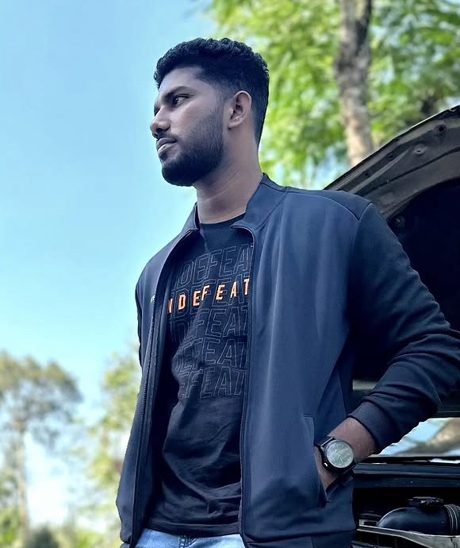
Upload your photo. The AI finds you and replaces everything behind you with pure white in a few seconds. Pick a size and download the JPG.
No. The AI runs inside your browser on your own phone or computer. Your photo is never uploaded or stored.
Yes, it is free with no watermark, no login and no credits, even for full-size downloads.
Plain white only. Off-white, cream and light grey are rejected under the Passport Seva rules from September 2025.
Most exam forms ask for a white or light plain background. Use White unless your notification says something else.
Yes. Pick Light blue, Light grey or any custom colour. Some ID cards and visa forms use light blue.
The AI traces each strand of hair and removes the old background colour from the edges, so the result looks natural. For very loose hair, try Edges: Smooth.
Yes. Pick Passport (630 × 810 px) for Passport Seva or Exam form (200 × 230 px, 20-50 KB). To print 8 copies on one sheet, use the Passport Size Photo Maker.
Yes. Tap Download PNG (transparent) to get just you, with no background, for designs and documents.
Yes. It works in Chrome and Safari on Android and iPhone. The first time, it loads the AI once (about 9 MB), then it is fast.
The AI loads once, about 9 MB. After that, every photo takes a few seconds and works even offline.
No. Only the background is replaced. Your face, hair and clothes stay exactly as in your photo, with no filters.
Photo upload karo. AI apne aap background hata kar white kar deta hai. Size chuno aur JPG download karo. Photo upload nahi hoti.